
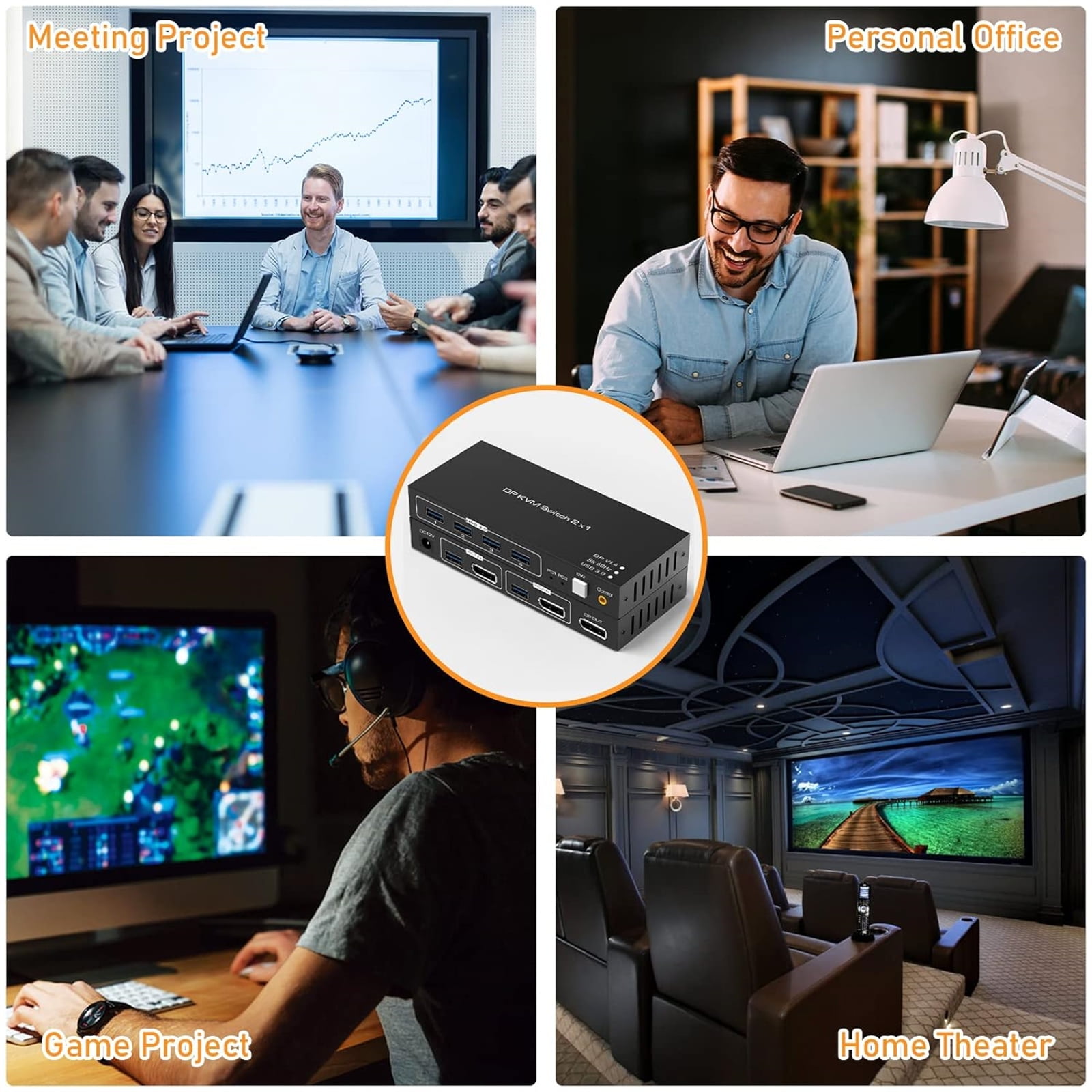
JIAHAOO 2x1 DP KVM Switch 8K 60Hz 4K 120Hz USB3.0 for 2 Computers 1 Monitor Control with Extended Cable Support for Windows MAC
Product details
| Management number | 230475101 | Release Date | 2026/06/18 | List Price | US$22.50 | Model Number | 230475101 | ||
|---|---|---|---|---|---|---|---|---|---|
| Category | |||||||||
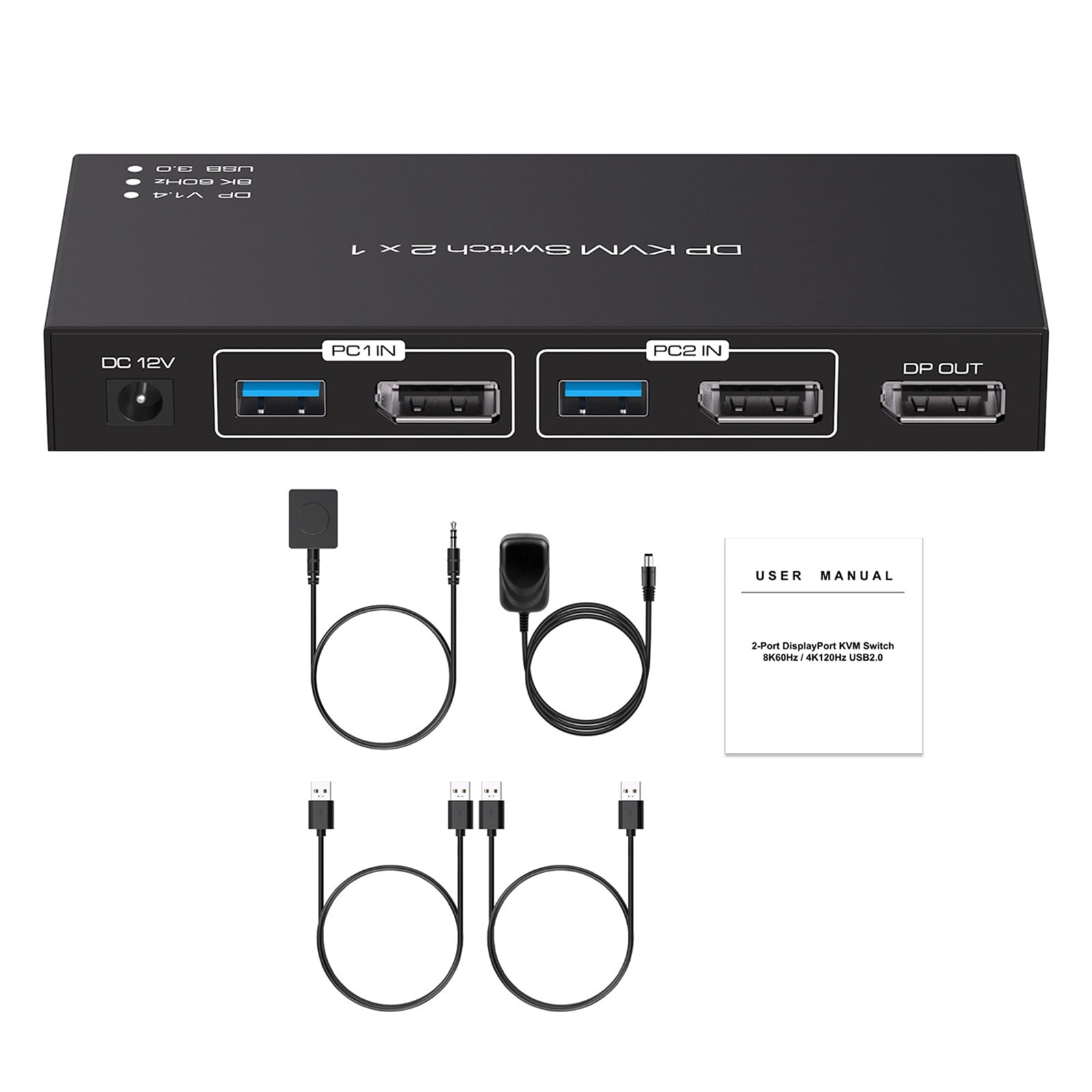
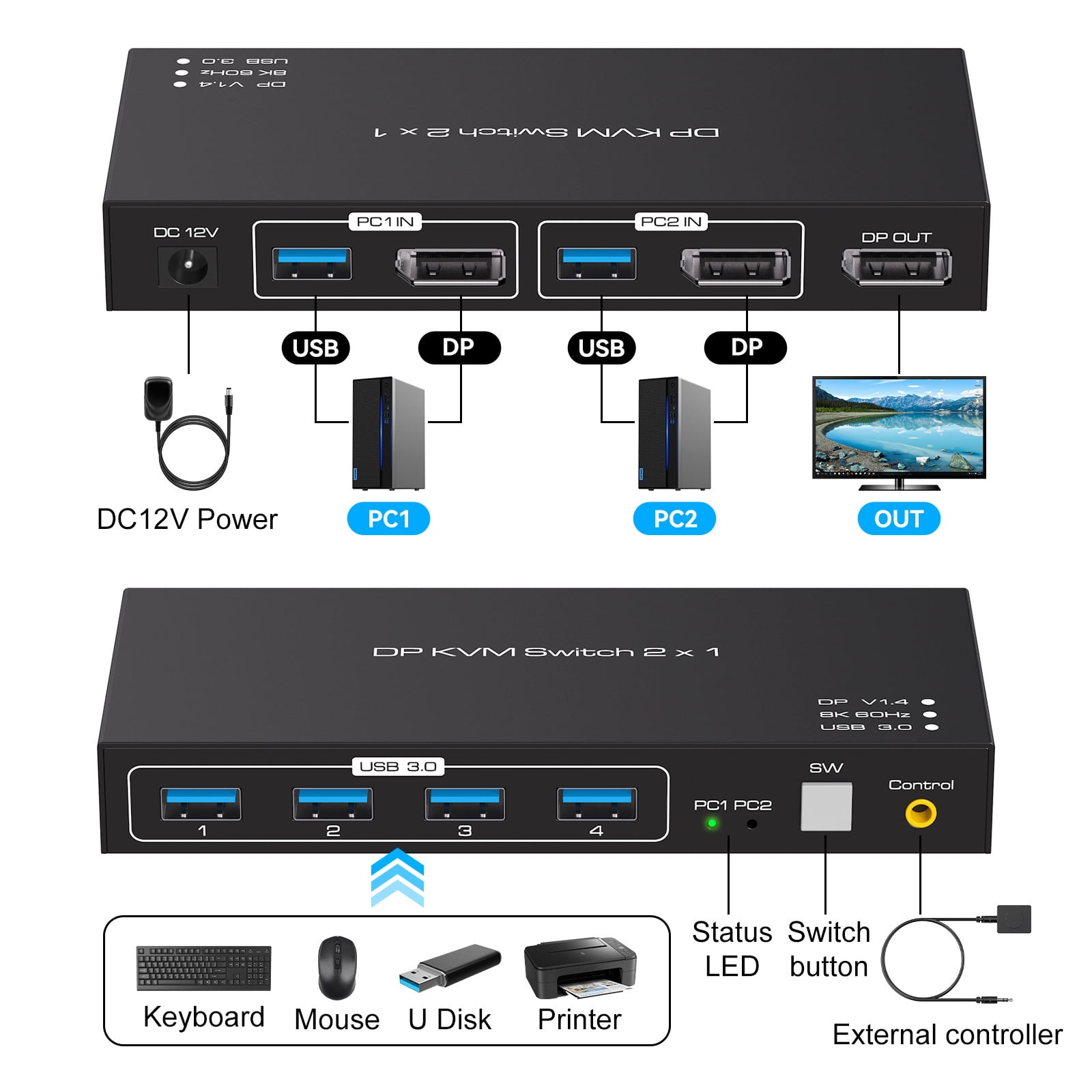
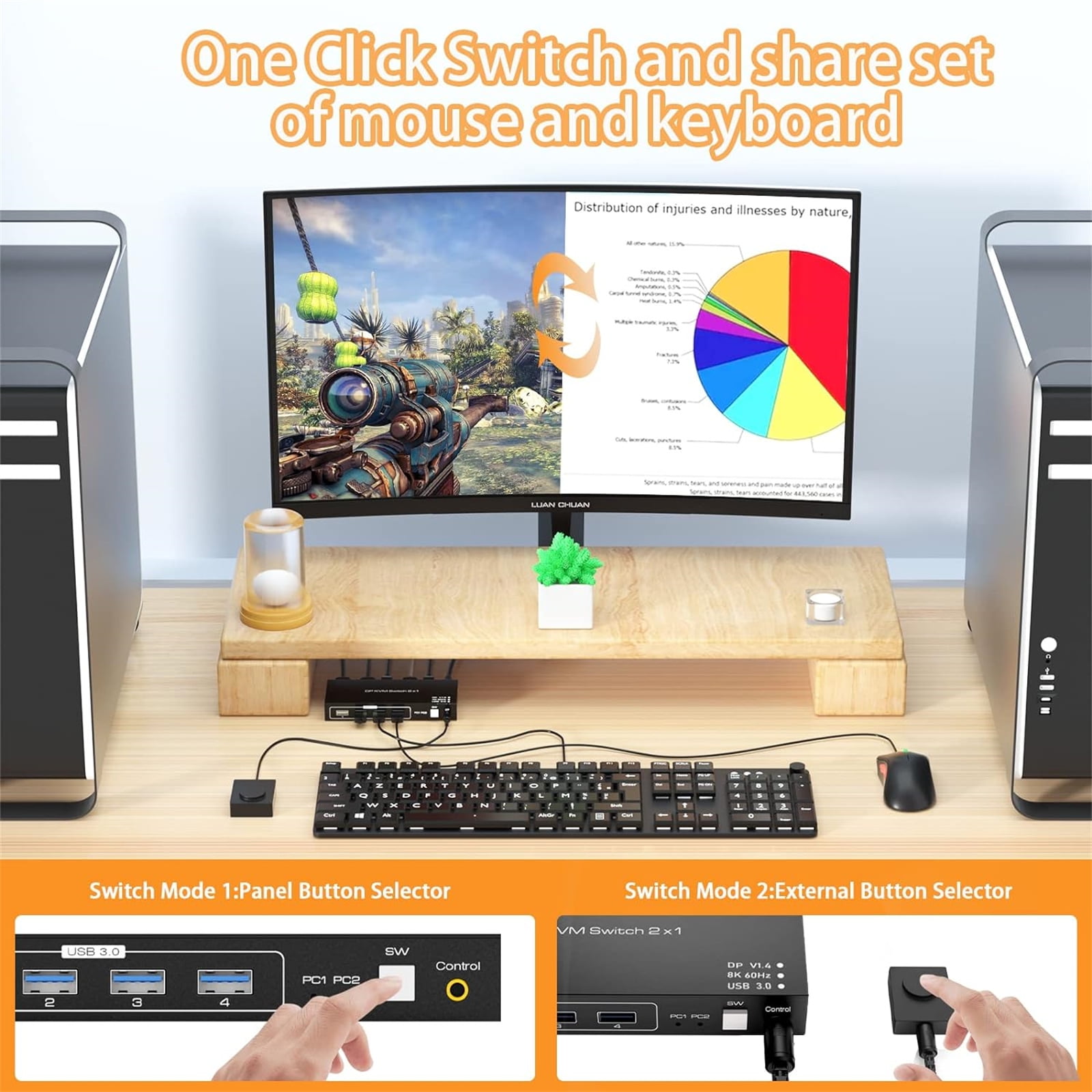
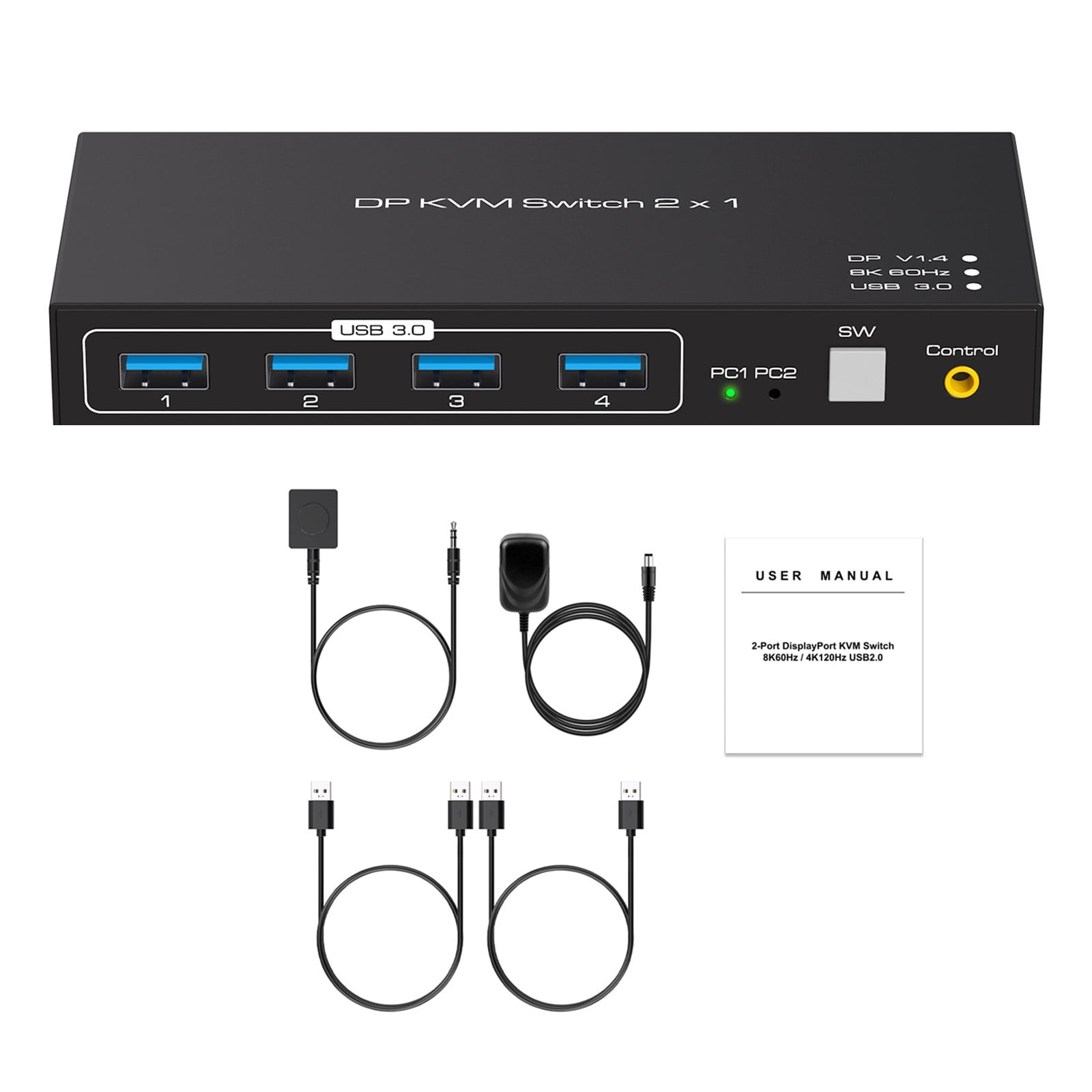
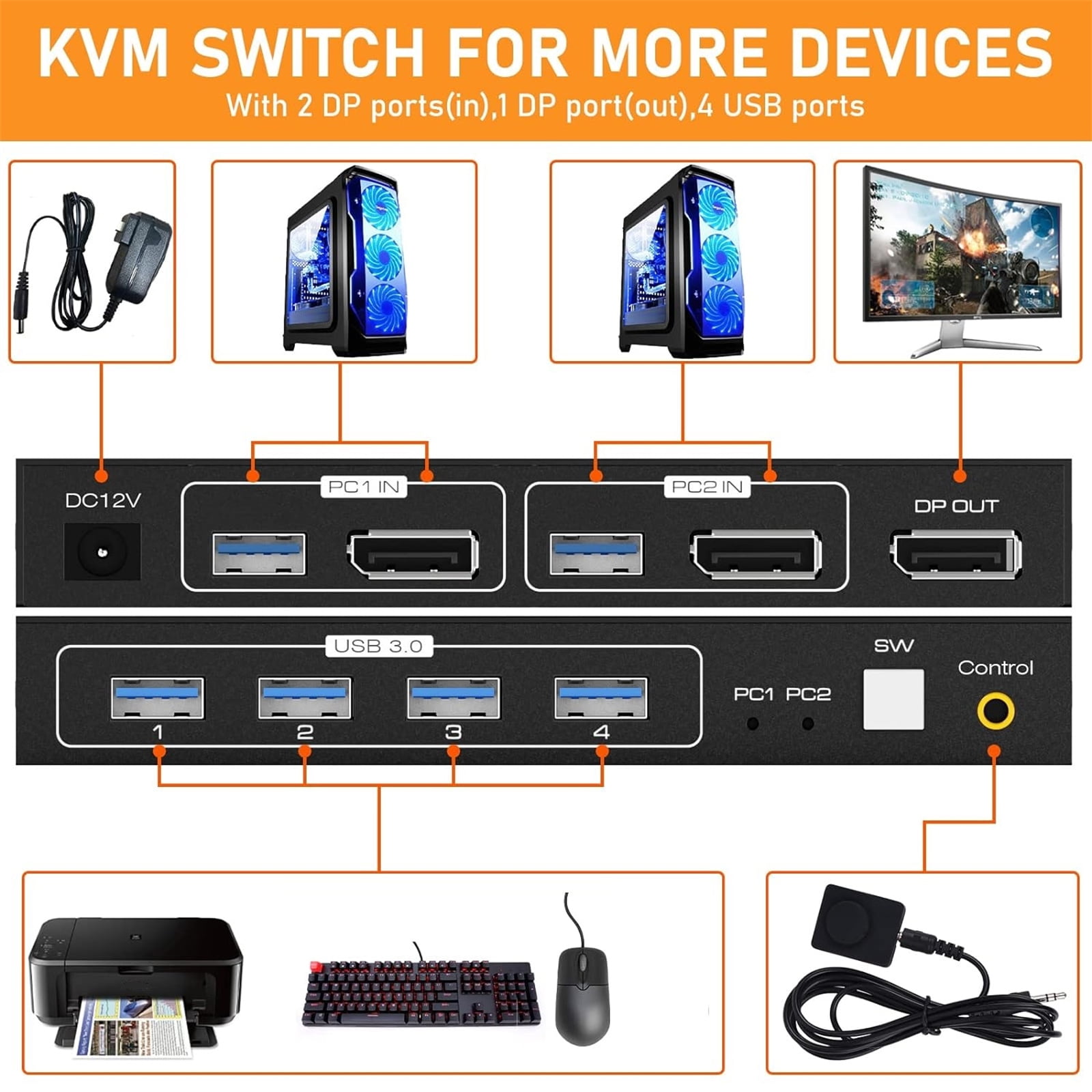
Feature:<br>Using only 1 set of keyboard, mouse to control 2 computer devices and 1 monitor.<br>Available to use keyboard and mouse after switch input sources.<br>Through two USB 3.0 hub ports, the mouse and keyboard can be connected to the KVM. Through two USB 3.0 hub ports, barcode scanners, USB hard drives, orother high-speed USB devices can be connected to the KVM.<br>Support resolution up to 7680*4320@60Hz.<br>Support USB 3.0 transmission rate up to 5Gbps.<br>Support front panel buttons and External switch button to control KVM to switch inputs.<br><br>Specifications:<br>Support DP1.4<br>Support Resolution: Up to 7680*4320@60Hz<br>Support Resolution: 8K@60Hz, 4K@120Hz, 2K@144Hz, 1080@240Hz and lower resolution<br>Video bandwidth: Up to 48Gbps<br>USB transfer rate: Up to 5Gbps<br>lnput cable distance: less than 3m@8K/60Hz, less than 5m@4K/60Hz<br>Output cable distance: less than 3m@8K/60Hz, less than 5m@4K/60Hz<br>lnput voltages: DC12V1A<br>Operating Temperature range: -5 to 45°C<br>Operating Humidity range: 5 to 90 percent RH (No Condensation)<br>Storage Temperature: -20 C~60 C/ -4 F ~140 F<br>Dimension(L x W x H): 150x6.5x2.2mm<br><br>Two Switching Method:<br>1. Press the "SW" button on the KVM switch panel to switch between the two source devices<br>2. Use external switch kit to switch PC 1/ PC 2<br><br>Package contents:<br>1 x DP KVM USB Switch 2x1<br>2 x USB 3.0 cable<br>1 x DC12V power adapter<br>1 x External switch kit<br>1 x User Manual
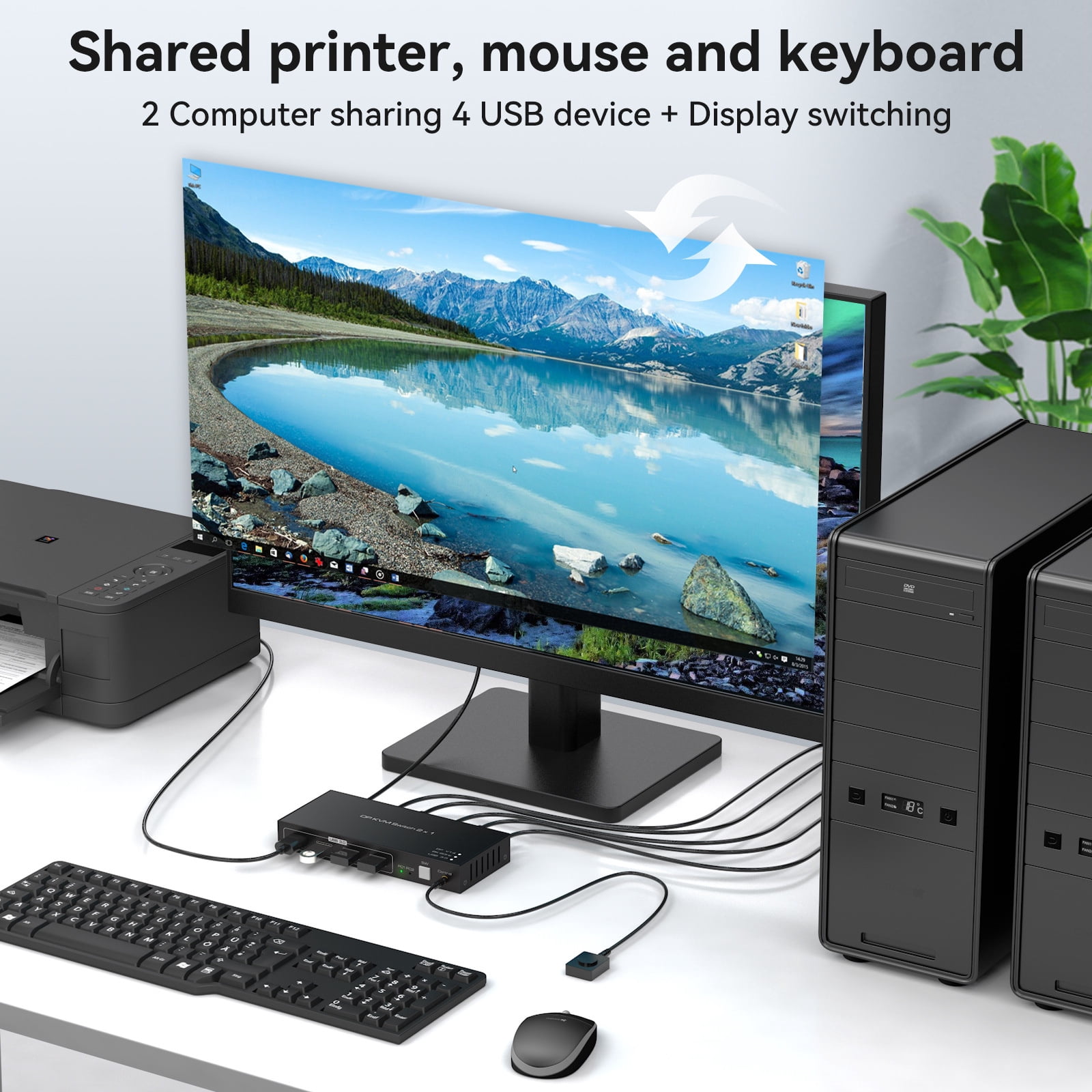
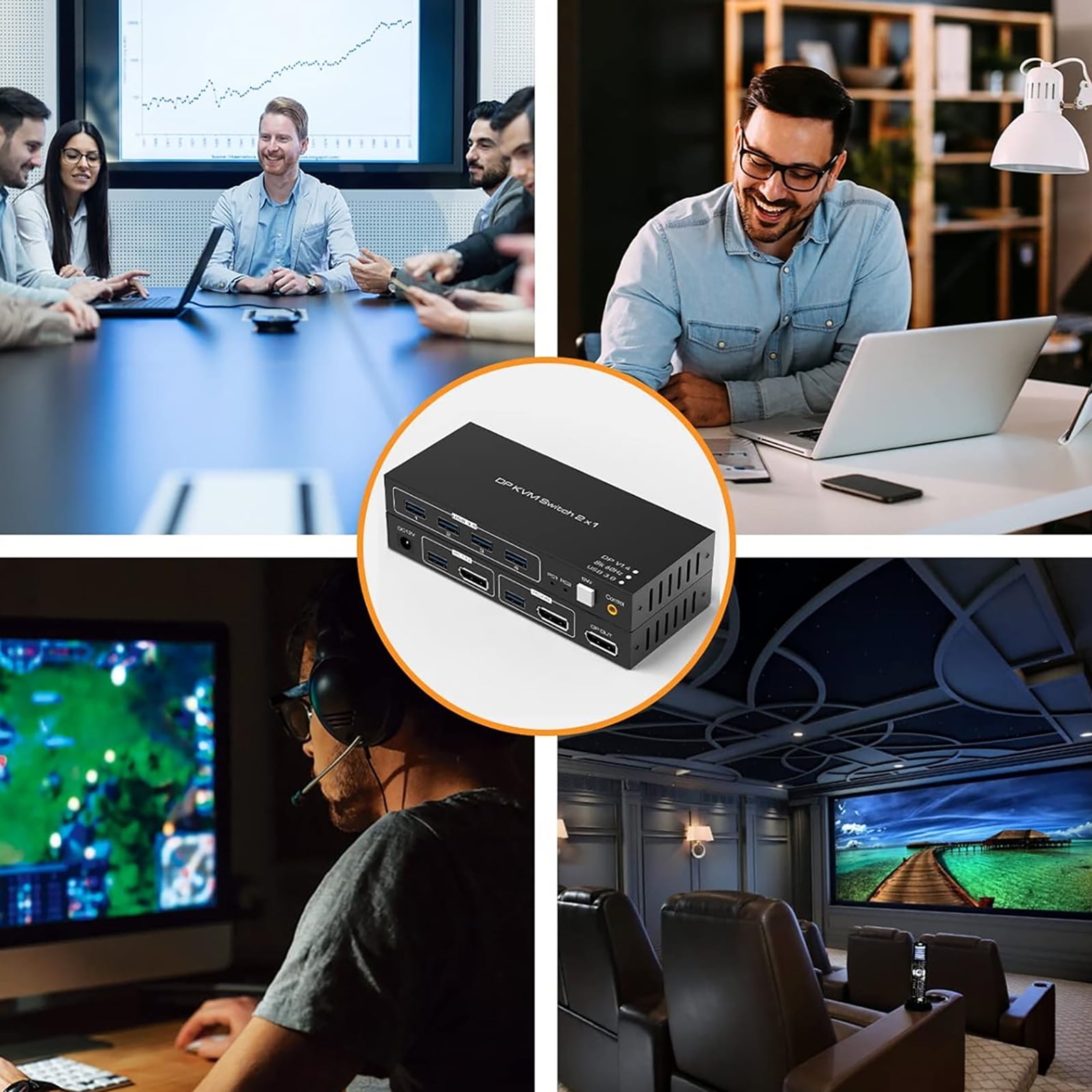
- Using only 1 set of keyboard, mouse to control 2 computer devices and 1 monitor.
- Available to use keyboard and mouse after switch input sources.
- Through two USB 3.0 hub ports, the mouse and keyboard can be connected to the KVM. Through two USB 3.0 hub ports, barcode scanners, USB hard drives, orother high-speed USB devices can be connected to the KVM.
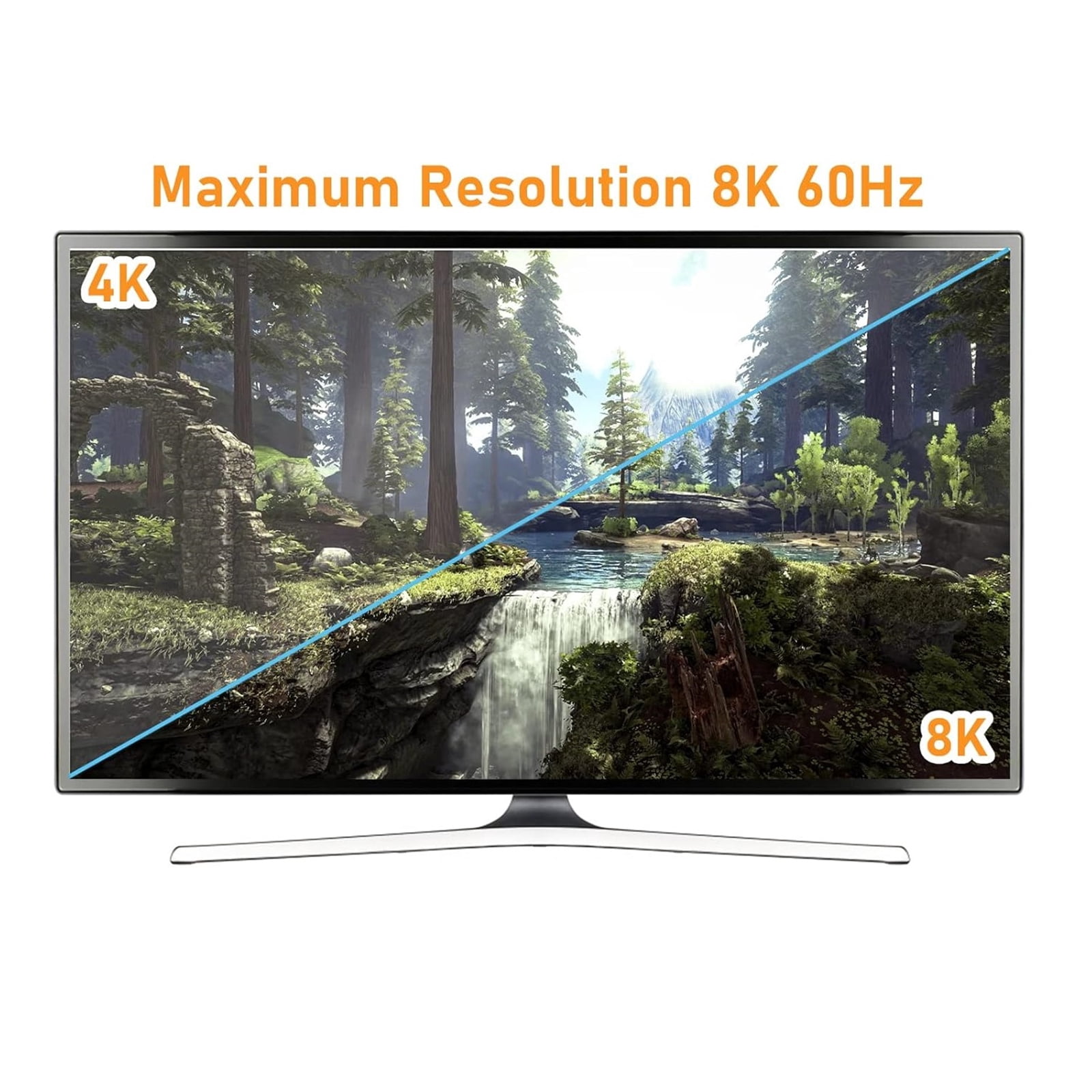
- Support resolution up to 7680*4320@60Hz.
- Support USB 3.0 transmission rate up to 5Gbps.
| Brand | JIAHAOO |
|---|---|
| Number of ports | 2 |
| Maximum number of monitors | 1 |
| Connection | USB 3.0 |
| Resolution | 7680*4320@60Hz |
| Has written warranty | No |
Bestseller ranking
Soba


Customers who viewed this product also viewed
Uncategorized




Correction of product information
If you notice any omissions or errors in the product information on this page, please use the correction request form below.
Correction Request Form